RunAGym
Independent player hub

Run a Gym Wiki

Find the confirmed gameplay loop, the best page for your next decision, and clear limits where public machine, worker, or car details are still missing.

Quick answer

Build, measure, reinvest, then expand

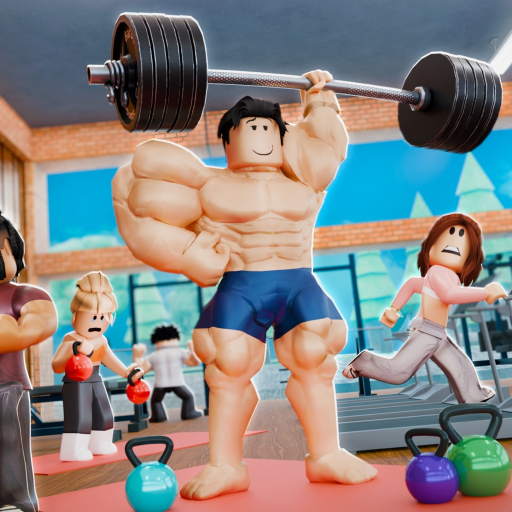
Run a Gym is a Roblox simulation/tycoon experience by the verified My Softworks group. The official loop is to build a gym, buy and place workout machines, hire workers, decorate the space, and work toward cars. Use this wiki to move from that broad loop to a focused calculator, guide, update, or link check.

Play the official Roblox experience
Core systems

Open the page that matches your current job

Each card separates what public sources confirm from the value you still need to read or measure in your own server.

Confirmed mechanic

Workout machines

Buy and place workout machines to build the gym. A reliable public catalog of names, prices, rates, footprints, and unlock order was not available at this check.

Choose a machine by goal
Player-measured values

Cash and reinvestment

Cash supports the buy-and-expand loop, but income changes with the player's current gym. Measure a minute in your own server before comparing payback.

Estimate purchase payback
Confirmed mechanic

Workers

The official description says workers can be hired to keep the gym running. Public sources did not provide a trustworthy roster, cost table, or complete effect list.

Decide when to hire
Practical guidance

Layout and decoration

Building and decorating are official parts of the game. Keep paths readable, group related equipment, and preserve expansion space, then watch what changes in your gym.

Open the layout checklist
Confirmed feature, details limited

Cars

Cars are named in the current official description. A reliable catalog, price list, unlock requirement, and confirmed economic effect were not found.

See what is known
Current facts

What the game page confirms today

Run a Gym is published by the verified My Softworks group. Players can buy and place workout machines, hire workers, decorate the gym, buy cars, use listed codes, and create free VIP servers. Exact machine, worker, and car values still need current in-game checks.

Player routes

Move from a question to an action

New players should open the beginner guide; purchase decisions belong in the calculator and machine guide; changing codes and cars belong in updates; Roblox, Trello, Discord, and wiki link questions belong on the status page.

Wiki topic pages

Browse the three system branches

First session

Start a functional gym

Finish the tutorial, follow the game-directed first purchases, keep the initial floor easy to read, and reinvest before decoration becomes the main expense.

Open the beginner guide →
Fresh rewards

Check code status

The Roblox description lists ILiked and Update, while a major guide reports different active/expired states. The codes page shows that conflict and redemption help.

See current reports →
Recent changes

Watch the cars update

The official description says cars can now be bought, but no complete public changelog was found. The update pages keep confirmed details separate from open questions.

Open update watch →
Questions

Run a Gym wiki FAQ

Is this the official Run a Gym wiki?

No. This is an independent fan-made player resource. No developer-owned Run a Gym wiki was found during the July 20, 2026 check.

Where can I play the real Run a Gym game?

Use the Roblox experience published by the verified My Softworks creator group. The official-link status page keeps that destination separate from unconfirmed community links.

Does the wiki list every machine, worker, and car?

Not yet. Public sources confirm those feature families, but they do not provide enough current details for a safe full catalog. Missing values are labelled instead of guessed.

Where should a new player start?

Open the beginner guide, finish the tutorial, build the first functional earning loop, and use the calculator with numbers measured in your own server before a large purchase.

Browse guidesMachine selectionUse the calculatorReview evidence